3dly
AI-powered platform converts 2D images into high-quality 3D models rapidly and efficiently.
Project Description
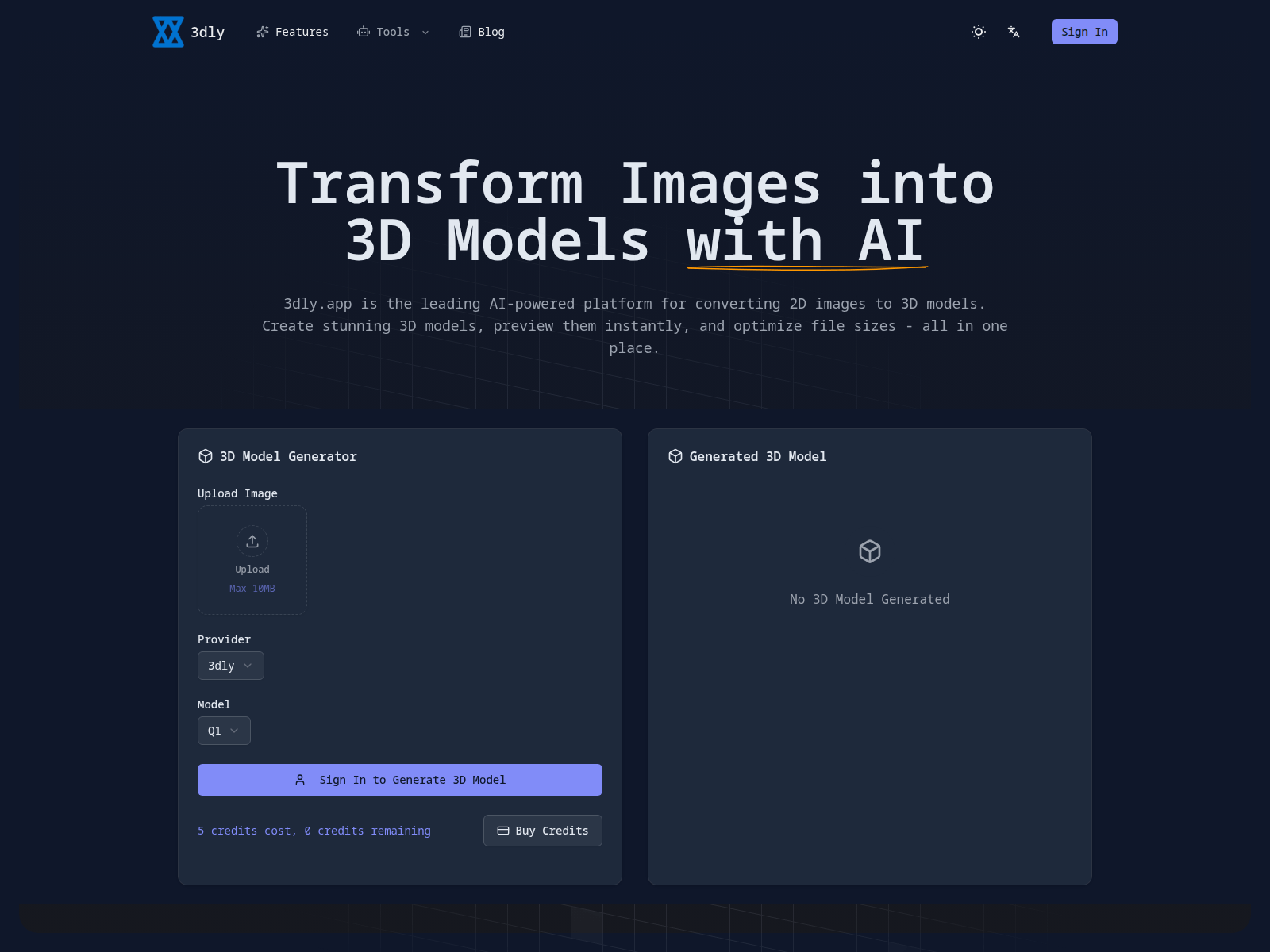
3dly.app is an advanced, AI-powered online platform designed for converting 2D images into high-quality 3D models. It caters to a wide range of users, from hobbyists to professional 3D artists, game developers, and AR/VR creators, offering a streamlined workflow. The platform leverages cutting-edge AI to interpret depth, geometry, and texture, providing professional-grade results quickly and efficiently. Its purpose is to democratize 3D model creation, making it accessible and fast without requiring extensive 3D modeling expertise or software installations.
Core Feature
- AI-powered 2D image to 3D model conversion.
- Universal 3D model previewer supporting various formats (GLB, GLTF, OBJ, FBX, STL, PLY).
- Smart 3D model compression, reducing file sizes by up to 90%.
- Export models in multiple industry-standard formats.
- Lightning-fast processing via cloud-based AI infrastructure.
- Batch processing for converting multiple images simultaneously.
- Cloud-based operation requires no software installation.
How to Use
- Upload a high-quality 2D image in JPG, PNG, or WebP format (max 10MB).
- Allow the advanced AI algorithms to process the image and generate a detailed 3D model, which typically takes a few minutes.
- Preview and refine the generated 3D model using the built-in interactive 3D viewer.
- Export the 3D model in your desired format (GLB, GLTF, OBJ, FBX, or STL) and optionally compress it.
Pricing & Availability
Freemium (credit-based system with an option to buy more credits).
Use Cases & Target Audience
This website is ideal for game developers, 3D artists, AR/VR content creators, designers, educators, and hobbyists who need to quickly transform 2D images into high-quality 3D models for various applications like game development, 3D printing, web integration, and asset creation.
Frequently Asked Questions
How does the artificial intelligence transform a 2D image into a three-dimensional object?
The AI employs advanced neural networks to analyze the uploaded 2D image, interpret depth cues, reconstruct geometry, and apply textures, resulting in a detailed 3D model.
What types of image files can be uploaded for conversion?
The platform supports common image formats such as JPG, PNG, and WebP for converting to 3D models.
Which 3D file types are available for viewing and downloading?
Users can preview and export 3D models in various popular formats including GLB, GLTF, OBJ, FBX, STL, and PLY.
By what percentage can file sizes be reduced using the 3D model compression feature?
The intelligent compression technology can significantly reduce 3D model file sizes, potentially by up to 90%, without compromising visual quality.
Is the integrated 3D model viewer compatible across all internet browsers?
Yes, the in-browser 3D model previewer is designed to be universally compatible with all major web browsers.
Are there any restrictions on using the generated 3D models for commercial purposes?
The webpage indicates that users can indeed utilize their generated 3D models for commercial applications.
How precise are the 3D models created by the AI?
The AI is engineered to generate highly accurate and detailed 3D models, understanding complex geometry and textures for professional quality results.
Can I process multiple images simultaneously to create 3D models?
Yes, the platform offers a batch processing feature, allowing users to convert several images into 3D models concurrently to save time.